
Using Smart Technology to Lock Down Your Door Security
Your front door is the first line of defense. Most homeowners treat it like an afterthought. Smart door security systems change that equation entirely — giving you real-time visibility and remote control over who gets in and who doesn’t. This guide breaks down exactly how to build a smarter, tighter security setup, step by step.
What Smart Door Security Actually Means
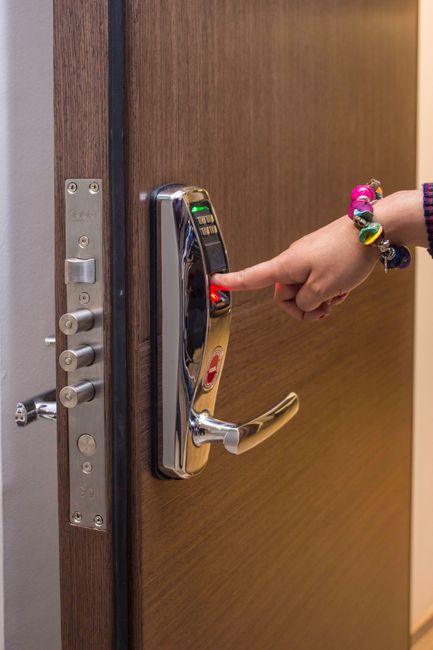
Smart door security isn’t a gadget category. It’s a system. It layers digital controls over your physical entry points — smart locks, video doorbells, and integrated hubs that talk to each other. The result is a setup you can monitor and control from your phone, whether you’re across town or across the country.
The Core Components
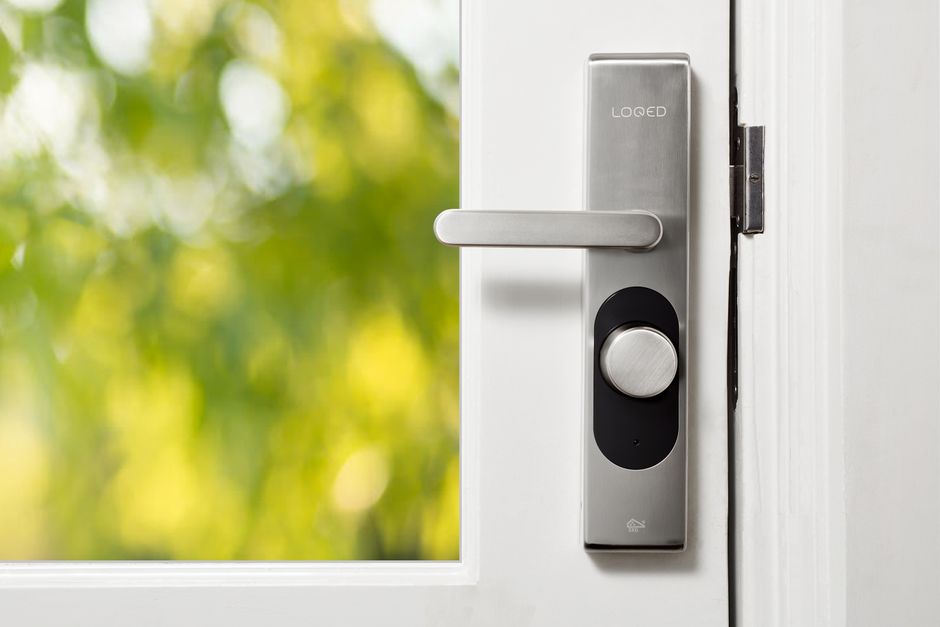
- Smart Locks: App-controlled digital locks that eliminate physical keys and allow remote locking and unlocking on demand.
- Video Doorbells: Camera-equipped devices that let you see, hear, and speak with anyone at your door in real time.
- Integrated Security Systems: A central hub that connects every component, giving you unified control and monitoring from one interface.
Building Your Smart Door Security Setup: A Step-by-Step Blueprint
Don’t buy hardware before you have a plan. Here’s the sequence that actually works.
Step 1: Audit Your Current Setup
Start with an honest assessment. Walk your entry points and identify the weak spots — door frame integrity, lock grade, blind spots in your sightlines. Smart technology fills gaps. First, you need to know where the gaps are.
Step 2: Choose the Right Smart Lock
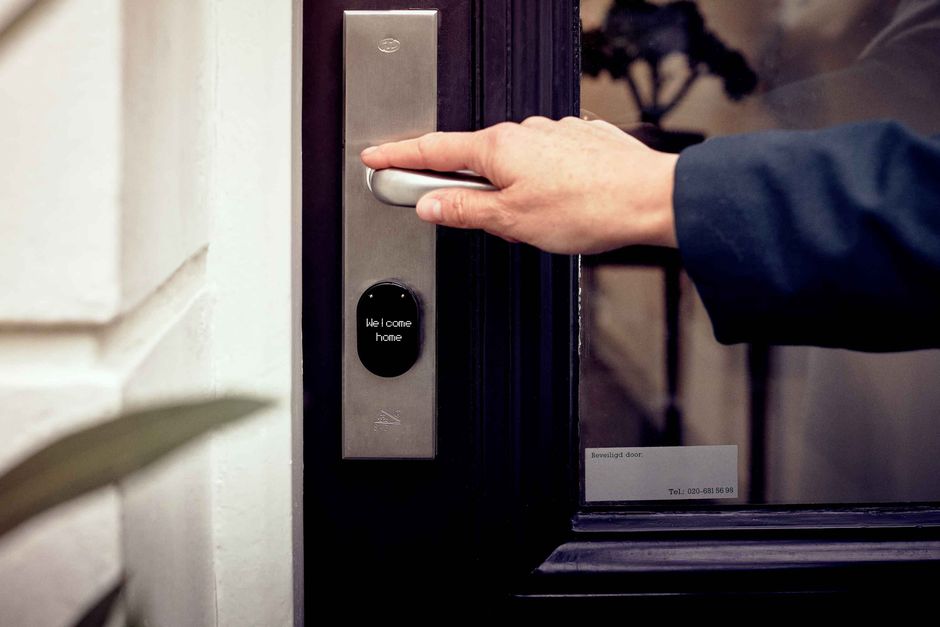
Smart locks range from keypad entry to biometric systems. Match the lock to your threat model and budget. The August Smart Lock Pro and the Schlage Encode Smart WiFi Deadbolt are proven options, both priced between $150 and $300. Don’t over-engineer this. Pick one, install it, test it.
Step 3: Install a Video Doorbell
The Ring Video Doorbell Pro and Nest Hello both deliver high-definition video, motion detection, and two-way audio. Wired installations are more reliable. Battery-powered options work if wiring isn’t feasible. Budget $100 to $250 depending on the model.
Step 4: Connect to a Smart Home Hub
A hub like Amazon Echo or Google Nest Hub ties your devices together. This is where the system starts working as a unit rather than a collection of separate tools. Automation becomes possible. Control becomes seamless.
Step 5: Monitor and Maintain Consistently
Check your apps regularly. Keep firmware updated. Schedule routine inspections of every device. A security system that isn’t maintained is a security system that will fail you at the worst possible moment.
Case Study: Smart Security Stopping a Break-In Before It Happens
John upgraded his entry points with a smart lock and video doorbell. While traveling, his doorbell flagged suspicious activity — someone lingering near his front door at an unusual hour. John saw the alert in real time, contacted local authorities immediately, and the situation was resolved before any breach occurred. The technology didn’t just react. It gave him the window to act.
Advanced Moves for Tighter Door Security
Smart locks and cameras are the foundation. These additions harden the perimeter further.
Door Reinforcement Kits
A smart lock on a weak door frame is a false sense of security. Door reinforcement kits strengthen the frame and hinges — the actual points of failure in most forced entries. Available for under $100. Non-negotiable if your frame is hollow or aging.
Anti-Kick Devices
Anti-kick devices add a second layer of resistance against forced entry. They’re inexpensive — typically $20 to $50 — and they address a vulnerability that no software update can fix.
Home Automation Integration
Connect your security system to your broader home automation setup. A simple rule: lights activate automatically when your doorbell detects motion. Visible activity deters opportunistic threats before they escalate.
Your Next Move: Build the System, Then Let It Work
Smart door security is a one-time build with compounding returns. You set it up correctly once, maintain it consistently, and it protects you around the clock without demanding your attention. That’s the point. For more on building systems that work quietly in the background, explore our resources at ArcanoLabs.
The operators who build in silence don’t wait for a break-in to take security seriously. They build the system, test it, and move on. Start today.
AI and Machine Learning: The Next Layer of Door Security
The frontier of smart door security runs through artificial intelligence and machine learning. These aren’t buzzwords here — they’re functional upgrades that change what your system can do automatically.
AI-Powered Surveillance
AI cameras distinguish between familiar faces and unknown individuals. They learn your regular visitors over time and suppress false alerts. When something genuinely unusual happens, the alert is meaningful — not noise. That’s the difference between a system you trust and one you ignore.
Behavior Analysis
Machine learning algorithms track behavioral patterns and flag anomalies. If your door is consistently left open during certain hours, the system can send a reminder or trigger an automatic lock. It closes the gaps that human attention misses.
Data Privacy Is Part of the Security Equation
A smart security system that leaks your data isn’t secure. Full stop. You need to treat your digital exposure with the same seriousness as your physical entry points.
Encryption Standards
Every data transmission between your devices and the cloud should be encrypted. Look for systems using Advanced Encryption Standards (AES). If a manufacturer can’t confirm this, keep looking.
Regular Software Updates
Manufacturers patch vulnerabilities through firmware updates. Skipping updates is how systems get compromised. Enable automatic updates where available. If not, set a recurring reminder and do it manually.
Checklist: Evaluating a Smart Security System Before You Buy
Run every candidate system through this list before committing.
- Compatibility: Confirm it works with your existing smart home devices and platforms.
- Ease of Installation: Assess whether you can install it yourself or if professional setup is required.
- Scalability: Verify you can expand the system later — more cameras, additional sensors — without starting over.
- Customer Support: Check that the manufacturer offers real support and a solid warranty.
- User Reviews: Read real-world feedback. Specs tell you what a product claims. Reviews tell you what it actually does.
KPIs: Measuring Whether Your System Is Actually Working
Install the system. Then measure it. These are the numbers that matter.
- Response Time: How fast do you receive and act on alerts? Shorter gaps mean a more effective system.
- False Alarm Rate: High false alarm rates erode trust. Track them and tune your settings accordingly.
- System Uptime: A security system that goes offline is a liability. High uptime percentages signal a dependable setup.
- User Satisfaction: Periodically assess whether the system is actually serving your needs. Adjust where it isn’t.
FAQs on Smart Door Security
Straight answers to the questions most homeowners ask before committing.
Can smart door locks be hacked?
No system is completely immune. But smart locks with strong encryption and current firmware significantly reduce the attack surface. Stick to reputable brands and stay current on updates.
Do smart locks work during power outages?
Most do. Battery backups keep them functional when the grid goes down. Check battery levels regularly and keep spares on hand — this is not the component you want to fail during an outage.
How do I integrate my smart security system with other smart home devices?
Integration runs through a compatible smart home hub or shared app ecosystem. Follow the manufacturer’s setup instructions for your specific devices. Most modern systems are designed to connect without friction.

Leave a Reply