
“`html
Renter-Friendly Door Security Solutions
Renter-Friendly Door Security Solutions: Keep Your Space Safe Without Breaking the Lease
Most renters assume real security requires a landlord’s permission slip and a contractor. It does not. The right door security setup costs under $300, installs in an afternoon, and leaves zero permanent marks. Here is exactly what works.
Understanding Your Security Needs
Before you spend a dollar, assess what you are actually working with. Most forced entries exploit weak door frames, not weak locks. Knowing your setup tells you where to focus first.
- Door Type: Hollow-core doors fail fast under pressure. Solid wood and metal doors give you a stronger baseline to build from.
- Lock Type: Deadbolts, chain locks, smart locks — each has a different vulnerability profile.
- Building Regulations: Check your lease before touching anything. Most renter-friendly solutions are explicitly non-invasive, but confirm it.
Once you know your starting point, the path forward is straightforward.
Top Renter-Friendly Door Security Solutions
These are the options that deliver real protection without voiding your lease or draining your account.
1. Door Reinforcement Kits
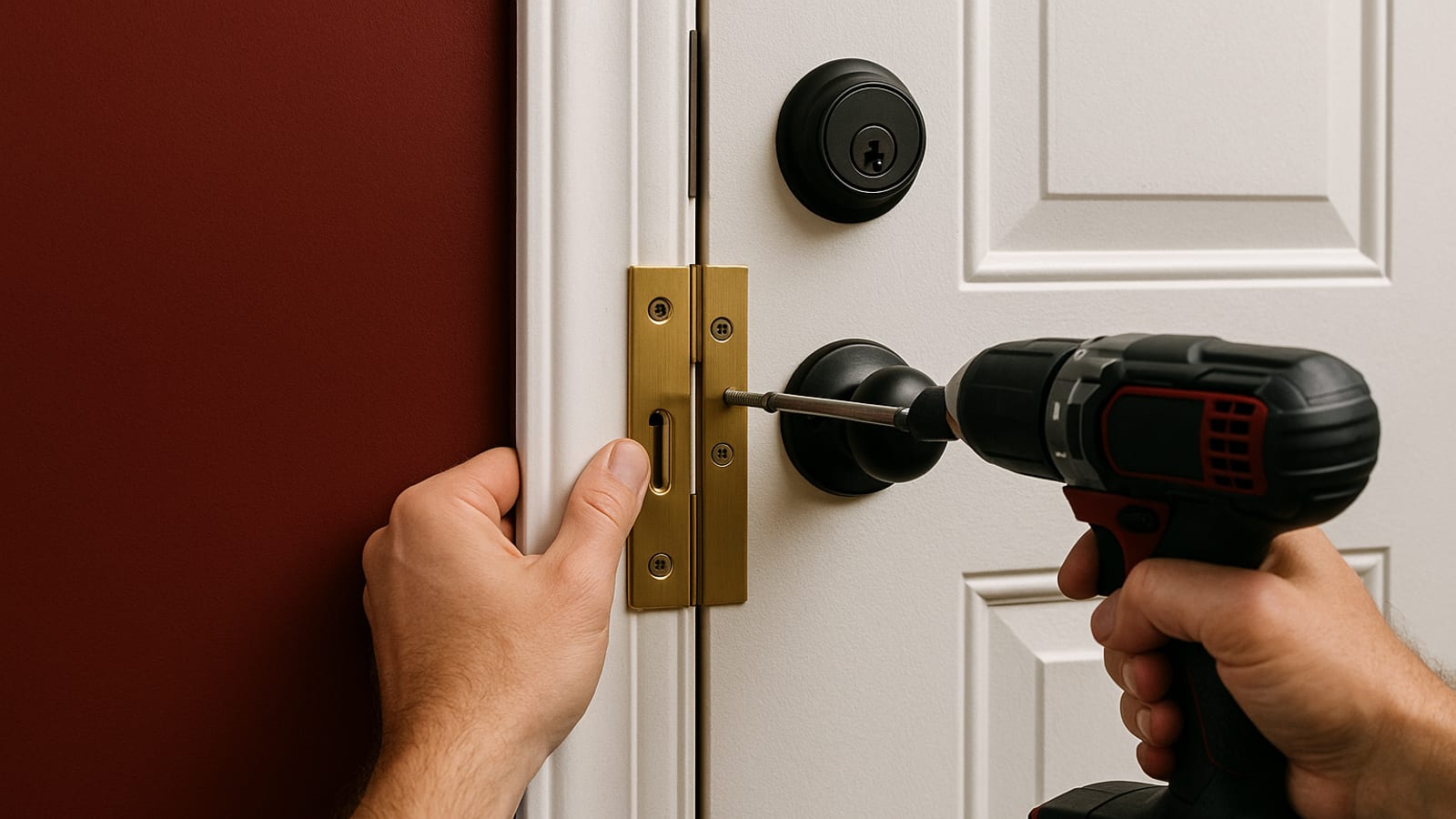
The frame is where most doors fail, not the lock. Reinforcement kits from brands like Door Armor address exactly that — they strengthen the frame, hinges, and strike plate as a single system. No new holes required.
- Cost: Typically $60–$100.
- Installation Time: About 30 minutes.
- Tools Needed: Screwdriver.
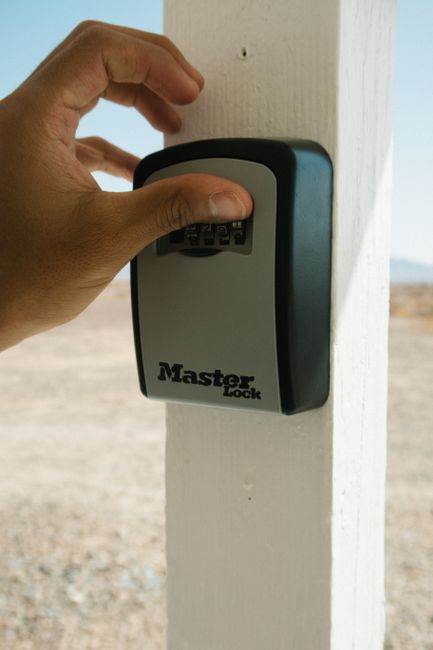
Think of a reinforcement kit as the structural foundation of your security setup. Everything else you add builds on top of it.
2. Portable Door Locks
These install in seconds and remove just as fast. The Addalock is the most recognized option — it slots into the existing strike plate and physically blocks the door from opening inward. No tools, no modifications, no trace.
- Cost: Generally under $20.
- Installation Time: Under one minute.
- Tools Needed: None.
Portable locks are ideal when you want an immediate extra layer — overnight, when you are home alone, or in a short-term rental where you cannot verify who else has a key.
3. Smart Locks
Smart locks from August and Yale mount over your existing deadbolt. The original lock stays intact. You gain remote access, temporary guest codes, and an activity log — all controlled from your phone.
- Cost: $100–$300.
- Installation Time: 15–30 minutes.
- Tools Needed: Screwdriver.
The access log alone is worth the investment. You know exactly when your door was opened and by whom.
Installation Tips and Tricks
A clean install matters. These three steps keep the process efficient and the result reliable.
1. Read the Instructions First
Every product has a specific sequence. Skipping the instructions costs you time on the back end. Read through once before you touch a single component.
2. Gather Your Tools Beforehand
Most installations only need a screwdriver. Confirm the full list before you start so you are not stopping mid-install to search for something.
3. Test Before You Finalize
Once everything is in place, test it. Open and close the door. Trigger the lock. Verify the app connects. Catch any issues now, not at midnight when it matters.
Actionable Next Steps
You have the information. Now execute it.
- Assess Your Current Security: Walk your door setup with fresh eyes. Identify the weakest point first.
- Choose Your Solutions: Match the options above to your door type, budget, and threat level.
- Plan Your Installation: Block out the time. Confirm you have every tool on the list before you start.
- Stay Informed: Security hardware evolves. Revisit your setup annually and upgrade where the data supports it.
A secure rental is not complicated. It is a series of deliberate, low-cost decisions made once and maintained quietly.
Conclusion
Your landlord is not responsible for your security. You are. Door reinforcement kits, portable locks, and smart locks give you a layered defense that installs without drama and removes without a trace. Build it right the first time, and you will not think about it again.
For more insights and tips, check out ArcanoLabs Blogs for content that helps you stay ahead in every aspect of your life.
Advanced Security Features for Tech-Savvy Renters
If you are comfortable with technology, there are additional layers worth adding. These options integrate cleanly with smart locks and require no permanent installation.
1. Video Doorbells
Ring and Nest video doorbells give you a live view of your entryway from anywhere. Motion detection, two-way audio, and recorded footage — all accessible from your phone. Installation is minimal and reversible.
- Cost: $100–$250.
- Installation Time: 15–30 minutes.
- Tools Needed: Screwdriver; drill optional for the mounting plate.
The recorded footage is the real value. It creates accountability at your door before a situation escalates.
2. Smart Security Systems
Systems like SimpliSafe and Abode require no hardwiring. Door sensors, window sensors, and motion detectors connect wirelessly and are managed through a mobile app. Optional professional monitoring is available if you want a second layer of response.
- Cost: Starting at $200.
- Installation Time: 1–2 hours depending on component count.
- Tools Needed: None required; a screwdriver may help with mounting.
These systems give you whole-unit coverage, not just a single point of entry.
Checklist for Evaluating Door Security Options
Before you commit to any solution, run it through this checklist.
- Compatibility: Confirm the device works with your door type and existing hardware.
- Installation Requirements: Verify the process does not violate your lease.
- Ease of Use: If it is complicated to operate daily, you will stop using it.
- Budget: Weigh the cost against the specific risk it addresses.
- Maintenance: Account for firmware updates, battery replacements, and any subscription fees before you buy.
FAQs About Renter-Friendly Door Security
These are the questions renters ask most often.
Can I install these security solutions without notifying my landlord?
Most renter-friendly solutions are non-invasive by design. That said, transparency with your landlord is the smarter play — especially if any step involves drilling. Most landlords respond positively to tenants who take security seriously.
How do I ensure my smart lock is secure from hacking?
Update the firmware regularly. Use a strong, unique password. Enable two-factor authentication if the device supports it. Secure your Wi-Fi network with a strong password. These four steps close the most common attack vectors.
What should I do if a security device malfunctions?
Check the manufacturer’s warranty first. Most reputable brands offer troubleshooting documentation online and will replace or repair faulty units within the warranty period. Document the malfunction with photos before contacting support.
Key Performance Indicators (KPIs) for Monitoring Security Effectiveness
A security setup you never evaluate is a setup you cannot improve. Track these metrics to stay honest about what is working.
- Incidents Prevented: Log any attempted entries or suspicious activity your measures flagged or stopped.
- System Downtime: Track any periods when devices were offline or non-functional. Reliability gaps are vulnerabilities.
- User Satisfaction: Assess regularly whether the setup is easy enough to use consistently. Friction leads to shortcuts.
- Response Time: Measure how quickly you receive and act on alerts from smart devices. Speed matters when it counts.
Review these periodically. A system that looked strong six months ago may have gaps today. Build in silence, adjust with data, and your security compounds over time.
“`

Leave a Reply